
Business Tips
AI Accounting Software in India: What AI Can Do (2026)
What AI accounting software really does, where it goes wrong, six checks before it touches your books, and how ChatGPT or Claude connect.
In short
AI accounting software uses an AI model to read documents, answer questions about your books and prepare entries, while the accounting software keeps the ledger, the GST maths and the rules. In India it shows up three ways: an AI chat built into the software, bill or receipt reading, and a connector that lets your own ChatGPT or Claude work with your books. Whichever you pick, insist that every AI entry waits for your approval, that GST is calculated by the software and not by the AI, and that the AI cannot delete records or move money.
- AI is good at reading bill photos, answering questions in plain words and drafting entries; it is not a calculator and should not be the one computing GST.
- The safest design is preview-then-approve: the AI prepares an entry, the software checks it like its own screen would, and nothing saves until you say yes.
- A connector (MCP) lets the ChatGPT or Claude account you already pay for read your books with your login and only within your role.
- Ask before you buy: can the AI delete, change settings or move money, where do your bill photos go, and can you switch each permission off?
- AI does not replace the books or your CA: GST returns, reconciliation and year-end still need correct records and a human check.
“AI accounting software” is on every pricing page in 2026, and it can mean very different things. Some of it saves hours of typing every month. Some of it is a chatbot that guesses. This guide explains what AI actually does in a small Indian business’s books, where it goes wrong, and what to check before you let it near your GST records.
What “AI” means in accounting software today
There are three common designs:
| Design | How it works | Good for | Watch out for |
|---|---|---|---|
| AI chat built into the software | A chat box inside the app answers questions and drafts entries | One place for everything | The vendor pays for the AI, so usage is often capped or costs extra |
| Document reading | Upload a bill or receipt; the software reads the fields | Purchase bills and expenses | Wrong readings of GSTIN, HSN or totals if nobody checks |
| Connector to your own AI (MCP) | Your ChatGPT or Claude connects to the software and works with your books | Using the AI app you already pay for; photos, questions and entries in one chat | Needs an AI plan that allows connectors |
All three can be useful. The difference that matters is not which AI model is used, but who is in charge of the books: the AI, or the accounting software with you approving.
What AI does well, and what it should never do alone
| Task | AI alone | AI + accounting software |
|---|---|---|
| Read a supplier’s bill photo | Good, but readings need checking | Reads it; the software matches supplier and items and checks the bill |
| Answer “who owes me money?” | Cannot: it has no ledger | Answers from your receivables and ageing |
| Calculate GST on a bill | Risky: language models make arithmetic slips | The software computes CGST + SGST or IGST |
| Number invoices | Cannot keep a series | The software keeps the series unique per financial year |
| Draft a payment reminder | Good | Good, with the real overdue amount |
| File GST returns | No | The software prepares the data; you or your CA file |
The rule of thumb: let the AI read and write words; let the software count and save. A wrong GST figure on a B2B invoice can block your buyer’s input tax credit, and it is far easier to prevent than to fix with a credit note later.
Six questions to ask before AI touches your books
- Does anything save without my approval? The safe answer is no: every AI entry is shown as a preview (party, items, GST, total), and the software saves exactly what you approved.
- Who does the GST maths? It should be the software, with the same rules as its own invoice or purchase screen.
- Can the AI delete records, change settings or move money? It should be able to do none of these. Payments it records should be bookkeeping entries only.
- Whose permissions does it use? It should act through your login and see only what your role allows, so a staff member’s AI cannot read the owner’s reports.
- Where do my bill photos go? Know whether the software stores them, and check your AI app’s data settings too.
- Can I switch it off per action, and disconnect it? You should be able to allow, say, purchase bills but not payments, and cut the connection in one click.
If a vendor cannot answer these plainly, keep the AI away from the ledger.
How a connector works: ChatGPT and Claude with your books
A connector uses the Model Context Protocol (MCP), an open standard that ChatGPT and Claude both support. You add your accounting software’s connector address in the AI app, sign in to your accounting software and press Allow. After that, when you ask a question, the AI calls the software, which answers from your records within your role.
VyapRise works this way. With the ChatGPT and Claude connector you can ask:
- “Show my VyapRise dashboard for this month”: sales, purchases, receivables and GST appear as cards and charts in the chat.
- “Who owes me money and how much is overdue?”
- “What was my GST payable last month?”
- “Which items are low on stock?”
- “Add this purchase bill to VyapRise” with a photo attached: VyapRise matches the supplier and items you already have, works out the GST and shows the full bill. It is saved only when you say yes, and a supplier bill already entered is refused, so it is not booked twice.
- “Make an invoice for Demo Traders: 10 Cotton Shirts”: prepared exactly as the invoice screen would, with numbering and GST, and shown to you first.
The connector cannot delete anything, change settings or move money. You choose what it may add (purchase bills, sales documents, payments, parties and items, expenses) in Settings › AI Assistants, and switch each off at any time. VyapRise never receives the bill photo, only the details your AI app reads from it.
VyapRise AI: the same rules, inside the app
If you do not use ChatGPT or Claude, VyapRise AI is the built-in option. Press VyapRise AI in the top bar and ask in English, Hindi or Gujarati, or use the AI buttons on the screens: Scan Bill Photo on a purchase bill, Scan Receipt on expenses, Scan Visiting Card on customers and suppliers, Describe the bill on a new sales invoice, Explain with AI on any report and Write Reminders on Customer Balance Due. It follows the six rules above: your role’s permissions, GST worked out by VyapRise, no deletes or money moved, and nothing saved until you press Save. It comes with monthly AI credits on Pro and during the free trial.
What it costs
With a connector there are two subscriptions: your AI app and your accounting software. ChatGPT lists full custom connectors for its Business, Enterprise and Edu plans and read-only ones for Pro; Claude can add one on any plan on claude.ai (one on the free plan). In VyapRise the connector is part of the Pro plan, and every new company can try Pro free before paying. If you already pay for ChatGPT or Claude, there is no extra AI fee. VyapRise AI needs no AI subscription at all: its credits come with Pro and the trial.
Where AI still needs you (and your CA)
AI shortens the typing. It does not decide your tax position. Keep doing these yourself or with your CA:
- Matching purchase bills with GSTR-2B before claiming ITC.
- Checking GSTR-1 against GSTR-3B every month.
- Reviewing unusual entries: a new supplier, a rate far from the usual, a large expense.
- Year-end closing and anything involving notices.
Picking AI accounting software for a small business
Start from the books, not the AI. Pick GST billing software that gets invoices, stock and returns right, then check whether its AI follows the six rules above. If you already live in ChatGPT or Claude, a connector puts your books in the app you open fifty times a day. For a side-by-side of the main billing tools, see best GST billing software in India.
Sources
The official pages behind this guide (links checked 31 October 2026):
- OpenAI Help Center: connecting custom MCP servers in ChatGPT: which ChatGPT plans can add a connector
- Claude Help Center: custom connectors using remote MCP: which Claude plans can add one
- Model Context Protocol: the open standard connectors use
- VyapRise privacy policy: what VyapRise AI sends to Anthropic and how long chats are kept
Video: this job in VyapRise (Hindi)
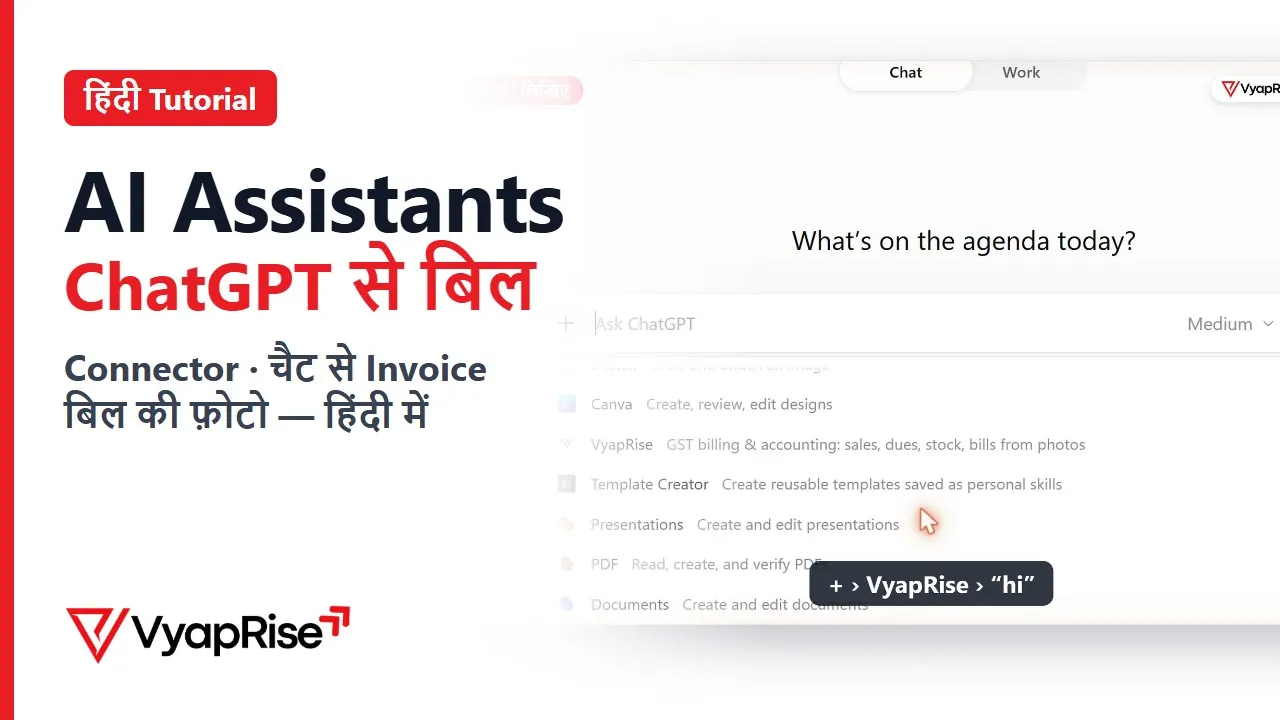
AI Assistants — ChatGPT से बिल · 2:14
How VyapRise handles this
Ask ChatGPT or Claude about your books
Today's sales, who owes you, last month's GST, low-stock items: answered from your live VyapRise data.
Purchase bill from a photo
The AI reads the supplier's bill; VyapRise matches the supplier and items, works out the GST and shows the full bill first.
Nothing saves without your yes
No deletes, no settings changes, no money moved. You choose what the AI may add and can switch it off any time.
Frequently asked questions
What is AI accounting software?
Accounting or billing software that uses an AI model to read documents such as bill photos, answer questions about your books in plain language, and prepare entries for you to approve. The ledger, GST calculation and validation stay in the accounting software; the AI is the interface on top.
Can ChatGPT do my accounting?
Not on its own. ChatGPT does not know your sales, dues or stock, keeps no ledger and can make arithmetic mistakes. It becomes useful for accounting when it is connected to your accounting software through a connector, so it reads your real records and the software does the maths and saves entries only after your approval.
Is it safe to connect ChatGPT or Claude to my books?
It can be, if the software enforces the limits rather than trusting the AI: the AI uses your login and role, every entry is shown as a preview before it saves, it cannot delete records, change settings or move money, and you can disconnect it at any time. Also check your AI app's own data settings.
Which ChatGPT plan do I need to connect accounting software?
OpenAI's help page (checked 31 October 2026) lists full custom connectors, which can also save, for ChatGPT Business, Enterprise and Edu, and read-only ones for Pro; Plus and the free plan are not listed. Claude can add a custom connector on any plan on claude.ai, one on the free plan.
Will AI replace my accountant or CA?
No. AI cuts typing and answers routine questions faster, but GST returns, reconciliation with GSTR-2B, year-end closing and tax decisions still need correct books and a professional's judgement. Good AI tools make the CA's job easier by keeping the records clean.
Does VyapRise have AI?
Yes, two ways. VyapRise AI is the assistant inside the app: it answers from your books, reads photos of purchase bills, receipts, visiting cards and price lists, drafts an invoice from one sentence and writes payment reminders, with monthly AI credits on Pro and the free trial. And the ChatGPT and Claude connector lets the AI app you already use work with your books. Either way, nothing is saved until you approve it.